LIFE PROGRESS, FOR IPHONE
Your life progress.On your iPhone.
Your life, in percentages, years, and weeks. Choose your own scale. Keep it in view with widgets on your Home Screen and Lock Screen.
Available now · iOS 17 or later
Your own scale
Choose a life scale from 1 to 150 years. Adjust it whenever you like.
Time, at a glance
A quiet presence on your Home Screen or Lock Screen, without opening the app.
Kept on your device
No account to create. Your birthday and preferences are stored locally.
01 / A LITTLE PERSPECTIVE
Life in percentages, years, and weeks.
Some days, a number says enough. Other days, it helps to see the weeks. Pick the view that makes sense to you.
The bigger picture.
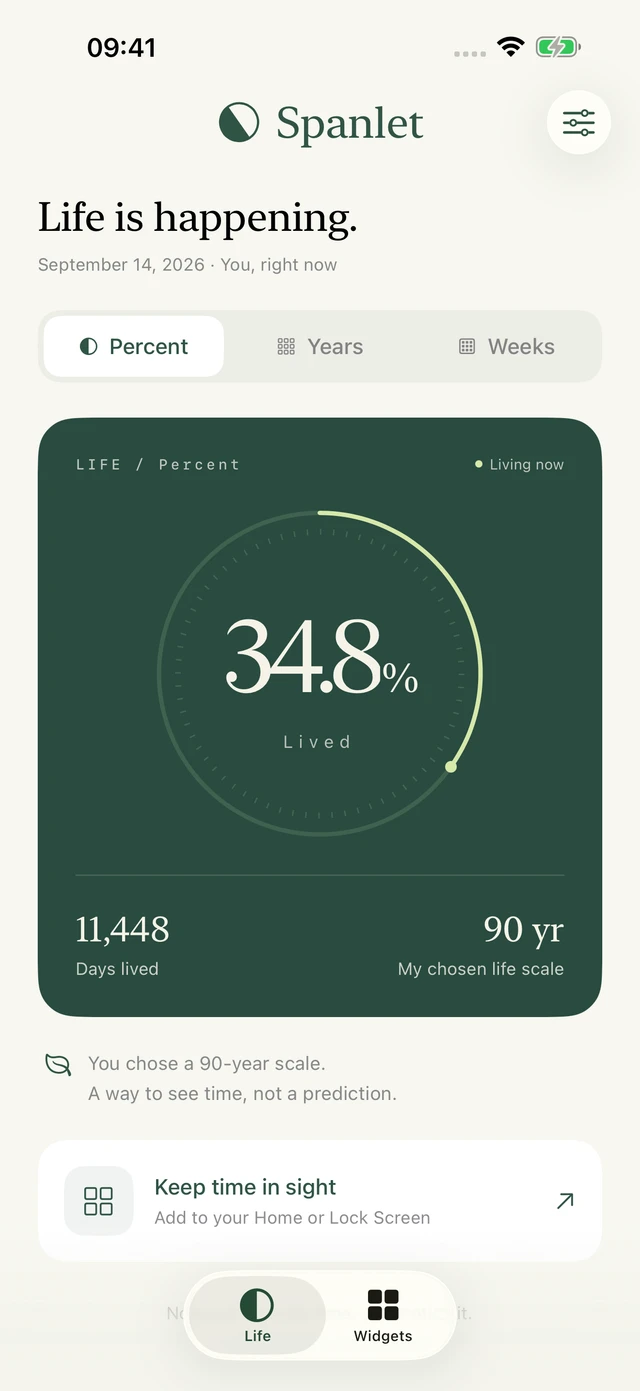
See how much of your chosen scale you have lived, with one clear number.
34.8%of my chosen scale
Your scale is a way to put time in perspective. It is not a life expectancy prediction.
Percent
See how much of your chosen scale you have lived, with one clear number.
Years
See your current year of life. Each square represents one year of your chosen scale.
Weeks
See the weeks you have lived as part of your chosen scale. Each small square is one week.

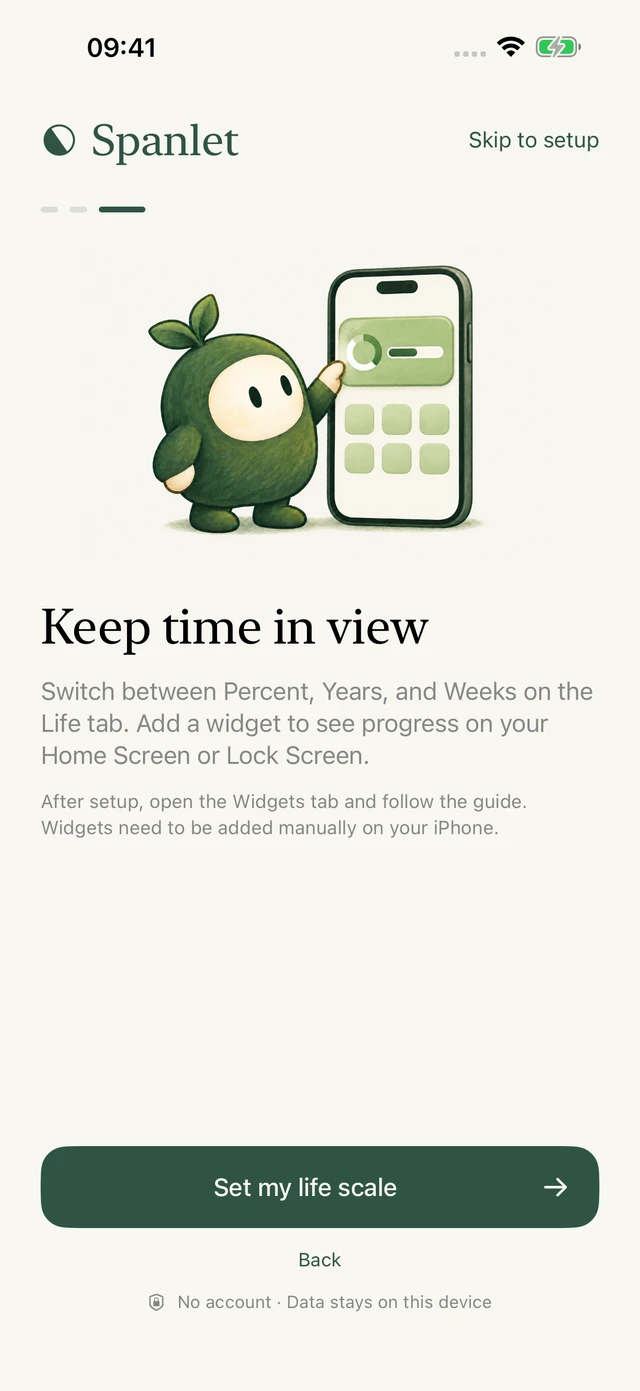
Widget guides
Add life progress to your Home Screen or Lock Screen, or follow the current year with one square per day.
03 / PERSONAL BY DESIGN
Your life is yours.
Spanlet works on your iPhone, without an account. Your birthday, life scale, and style stay in local storage shared with your widgets. You can erase them in the app at any time.
- No account
- No ad tracking
- Works offline
A few things to know.
Does Spanlet predict how long I will live?
No. You choose a scale from 1 to 150 years, and the app shows elapsed time against that scale. It does not use health data or predict life expectancy. You can change the scale at any time.
Do I have to enter my birthday?
Your birthday is needed for life progress. The year progress widget works without it and shows the days that have passed in the current year.
Does the app send reminders?
No push notifications. Widgets update on a daily timeline managed by iOS. You choose when to look.
Which languages are supported?
English, Simplified Chinese, and Japanese, in both the app and this website. The app follows your iOS language preferences.

A little perspective for the everyday.
Spanlet for iPhone. Available on the App Store.
Download on the App Store